
Manual tracking sheet
Good for: One or two suppliers, weekly discipline, full control over columns.
Breaks when: Three or more vendors, pack-size changes, or anyone else stops updating the tab.
Compare
Most operators already mix a spreadsheet, accounting software, email folders, and supplier portals. These pages spell out what each approach is built for — and when invoice-backed line-item tracking is the better fit.
The gap
Accounting software closes the month. Supplier portals show one vendor. Spreadsheets work until someone stops updating them. None of them tell you which line item moved before the next order.
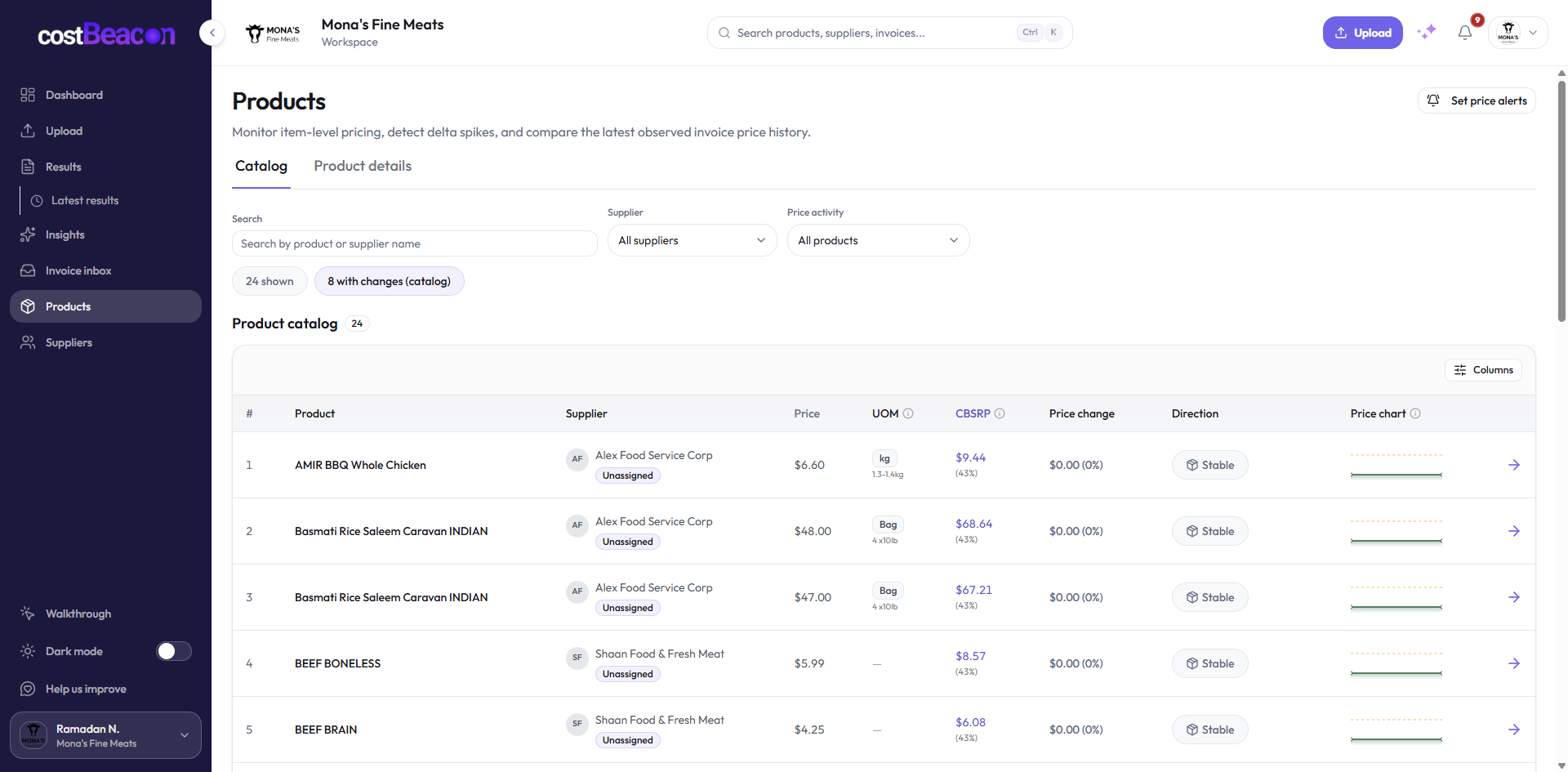
CostBeacon reads the supplier invoices you already receive, builds product cost history, and surfaces unit-cost changes in a review queue — without replacing QuickBooks or your inbox.
Start here
Each tool solves a real job. Problems start when you ask one of them to do another tool's work.
Good for: One or two suppliers, weekly discipline, full control over columns.
Breaks when: Three or more vendors, pack-size changes, or anyone else stops updating the tab.
Good for: Vendor bills, GL coding, month-end close, tax-ready records.
Breaks when: Spotting a 6% unit-cost move on a recurring SKU before the next PO.
Good for: Getting PDFs in the door, one vendor’s catalog, payment workflow.
Breaks when: Comparing the same product across suppliers or building month-over-month history.
Good for: Line-item extraction, product history, price alerts, margin pressure signals.
Breaks when: Not a replacement for payroll, inventory, or full accounting — it complements them.
At a glance
Use this table to see where your current stack stops — then open the comparison that matches your pain.
| Capability | Spreadsheet | Accounting | Portal / email | CostBeacon |
|---|---|---|---|---|
| Line-item cost history | If someone types it | Vendor bill totals | Per-portal only | From every upload |
| Price-change alerts | Manual scan | Rare / none | None | After processing |
| Multi-supplier view | Your formulas | Vendor list | One vendor | Unified catalog |
| Source invoice proof | Folder hunt | Attached bill | Portal PDF | Linked to alert |
| Setup effort | Low start, high upkeep | Already running | Per vendor login | Upload + review |
| Best for | 1–2 suppliers | Books & tax | Single-vendor buys | Recurring invoice volume |
Deep dives
Each page includes a topic table, when-to-switch guidance, and links to free tools or guides where they help.
Manual entry vs invoice-backed line-item history.
Read when re-keying invoices eats your week.
Read comparison Approval riskStop checking totals only.
Read when “looks about right” is your approval test.
Read comparison AccountingBooks vs operational cost alerts.
Read when QBO is right for books but slow for procurement.
Read comparison One vendorOne vendor view vs every vendor in one place.
Read when you buy from more than one portal.
Read comparison Inbox chaosInbox chaos vs structured cost data.
Read when invoices live in folders and forwarded threads.
Read comparison Role clarityFinancial records vs operational cost intelligence.
Read when finance and purchasing need different views of the same invoice.
Read comparisonWhen to switch
You do not need to rip out what works. Add invoice-backed tracking when manual review cannot keep up with invoice volume.
Fine for one or two suppliers when someone genuinely updates the sheet every delivery week.
Still the system of record for bills, payments, and close. CostBeacon is optional sync, not a replacement.
When recurring line items need history, alerts, and invoice proof before a vendor call — not another month-end surprise.
FAQ
No. Many teams keep QuickBooks for accounting and use CostBeacon for line-item cost history and price-change review. QuickBooks Online sync is optional.
Start with spreadsheets if you re-key invoices today. Start with QuickBooks if books are solid but procurement needs faster signals. Start with email or portals if finding last month’s unit cost is the bottleneck.
Comparisons are about tools you already use. Use cases are jobs to finish — catch creep, prep a negotiation, replace a sheet. Many teams read both.
Upload one PDF. CostBeacon extracts the lines and shows unit-cost history on the products that matter.
Upload an invoice free30-day free trial · No credit card required