

Rising costs are easier to manage when they become visible
Rising supplier costs are frustrating because they often arrive in small pieces. One product increases, then packaging follows, then freight appears, then a discount disappears. By the time the monthly report shows margin compression, the business has already absorbed the change.
CostBeacon turns this workflow into an invoice-backed system: see the invoice price tracking product, compare plans and trial options, or review our supplier price tracking software page for the commercial overview.
Invoice data gives teams a faster signal. Each invoice contains supplier, item, quantity, unit cost, fees, and date. When those fields are extracted and compared to history, price movement becomes visible early enough to act.
Use invoices as an early warning system
A practical rising-cost process starts with the invoice, not the month-end report. The goal is to catch specific line-item movement while the team can still question it, negotiate it, or adjust pricing.
Line items and fees
The invoice total is less useful than the unit-cost evidence inside it.
Response needed
Question the increase, adjust pricing, change order quantity, or monitor.
Translate unit cost changes into margin impact
A unit cost increase is easy to underestimate until it is translated into margin. If a product sells for $100 and its supplier cost rises from $68 to $76, gross profit falls from $32 to $24. That is not just an $8 increase; it is an eight-point margin compression.
Prioritize the highest pressure items first
The best response is not to chase every change equally. Teams should prioritize by combining cost movement with purchase volume or margin sensitivity.
How CostBeacon supports the process
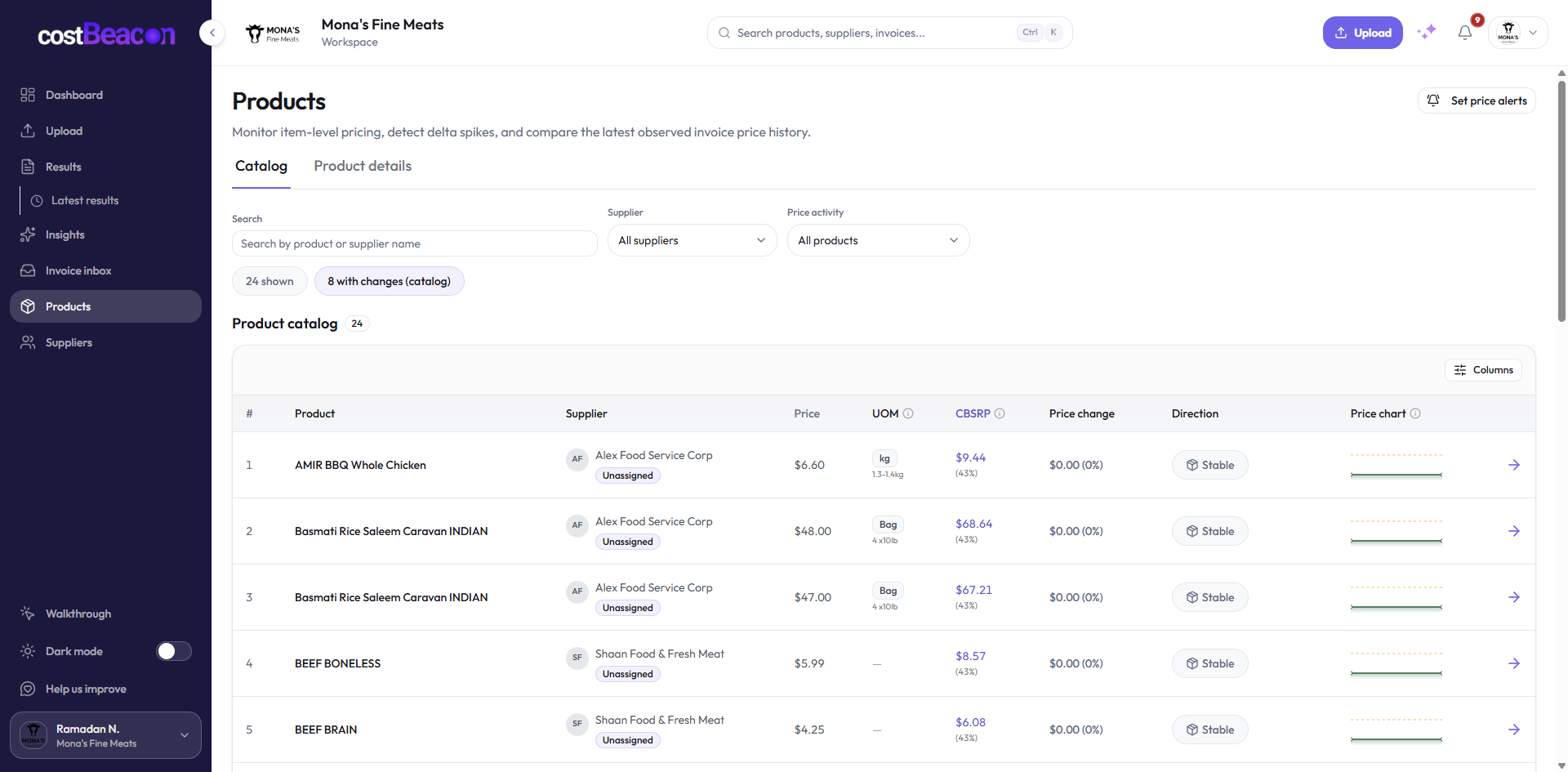
CostBeacon helps teams upload supplier invoices, extract line-item data, compare item costs to history, and review supplier price changes. It keeps the process focused on supplier and product costs rather than broad assumptions about the economy.
The takeaway
Rising costs become manageable when they are specific. Invoice data shows which supplier, which product, which unit cost, and which invoice created the pressure. That clarity gives operators a practical path: question the charge, negotiate with evidence, adjust pricing, change order quantities, or monitor the item more closely.
Final takeaway: invoice-first cost visibility gives teams better timing. When supplier cost changes become visible at the line-item level, operators can act before those changes become permanent margin loss.
FAQ
Common questions
How does CostBeacon help with supplier costs?
CostBeacon extracts line-item costs from supplier invoices and tracks product history so you can see price changes before margin is squeezed.
Do I need QuickBooks?
No. CostBeacon works from uploaded invoices; QuickBooks Online sync is optional.