

AI invoice processing should create usable cost intelligence
AI invoice processing is most valuable when it does more than reduce typing. For businesses that buy from suppliers, the bigger opportunity is turning invoice PDFs into structured cost data that can be compared, reviewed, and acted on.
CostBeacon turns this workflow into an invoice-backed system: see the invoice price tracking product, compare plans and trial options, or review our supplier price tracking software page for the commercial overview.
That means extracting supplier names, invoice dates, product descriptions, quantities, units of measure, unit costs, fees, and totals in a way that supports item-level history.
From PDF invoice to structured cost data
The first job is capture. Supplier invoices arrive as PDFs, scans, images, or email attachments. AI extraction turns those documents into fields and line items the business can review.
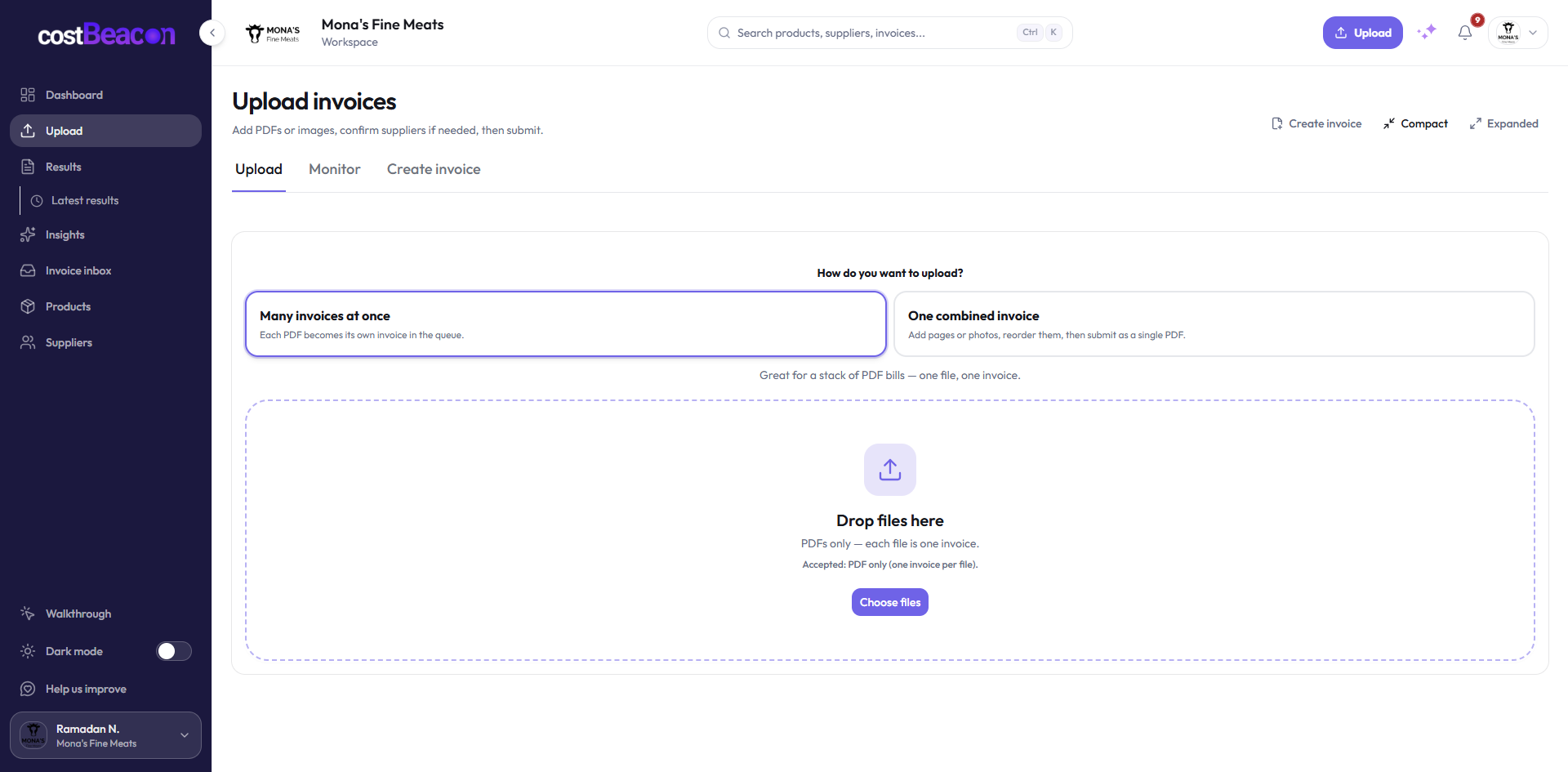
Supplier invoice
Unstructured PDF or image arrives with line items, fees, and totals.
Extract fields
CostBeacon reads supplier, invoice date, item, quantity, UOM, and unit cost.
Line-item history
Extracted lines become comparable product cost records.
Price-change queue
Lines with unusual movement move into human review.
Keep humans in the review loop where risk is higher
AI should make invoice review faster, but risky or unusual lines still deserve attention. A good workflow separates clean extractions from lines that need confirmation and items that may create margin risk.
Line-item history is where cost intelligence emerges
Once invoice lines are structured, CostBeacon can compare extracted invoice line costs against previous item costs. That is where a normal invoice-processing workflow becomes cost intelligence.
Near threshold, routed to high-priority supplier follow-up.
Focus review by risk tier
Teams get the most leverage when AI processing routes invoice lines by risk. Minor changes can be monitored, while high-impact movement deserves faster review.
Keep in history; no interruption.
Check with the next invoice batch.
Move into this week’s cost review.
Escalate for supplier action or pricing response.
The takeaway
AI invoice processing is not just about faster data entry. Used well, it creates a cost intelligence layer: uploaded invoices become structured line items, line items become history, and history makes price changes easier to catch before they reduce margin.
Final takeaway: invoice-first cost visibility gives teams better timing. When supplier cost changes become visible at the line-item level, operators can act before those changes become permanent margin loss.
FAQ
Common questions
How does CostBeacon help with supplier costs?
CostBeacon extracts line-item costs from supplier invoices and tracks product history so you can see price changes before margin is squeezed.
Do I need QuickBooks?
No. CostBeacon works from uploaded invoices; QuickBooks Online sync is optional.