

Good invoice management creates cost visibility
For small businesses, invoice management is often treated as a filing or accounting task. But supplier invoices also contain the operational details that explain margin pressure: what was bought, from whom, in what quantity, at what unit cost, and when.
CostBeacon turns this workflow into an invoice-backed system: see the invoice price tracking product, compare plans and trial options, or review our supplier price tracking software page for the commercial overview.
A stronger invoice process makes those details easier to review before they become expensive surprises.
Build an invoice-first workflow
The workflow should be simple enough to repeat every week: collect invoices, upload them, extract line items, review exceptions, update product cost history, and use the information in supplier conversations.
Collect supplier invoices
PDFs, scans, and emailed supplier bills enter the same review habit.
Upload once, extract line items
Only risky lines interrupt the team
The next invoice has a cleaner comparison point.
Review exceptions instead of every line equally
Manual invoice review burns time when every invoice is treated the same. A better process highlights the lines most likely to matter: duplicate invoices, missing supplier data, unit cost changes, unit-of-measure mismatches, and unusual fees.
Track item-level cost history
Invoice totals are useful, but item-level cost history is where many surprises are found. If the total invoice looks normal, a specific product can still become more expensive and quietly reduce gross margin.
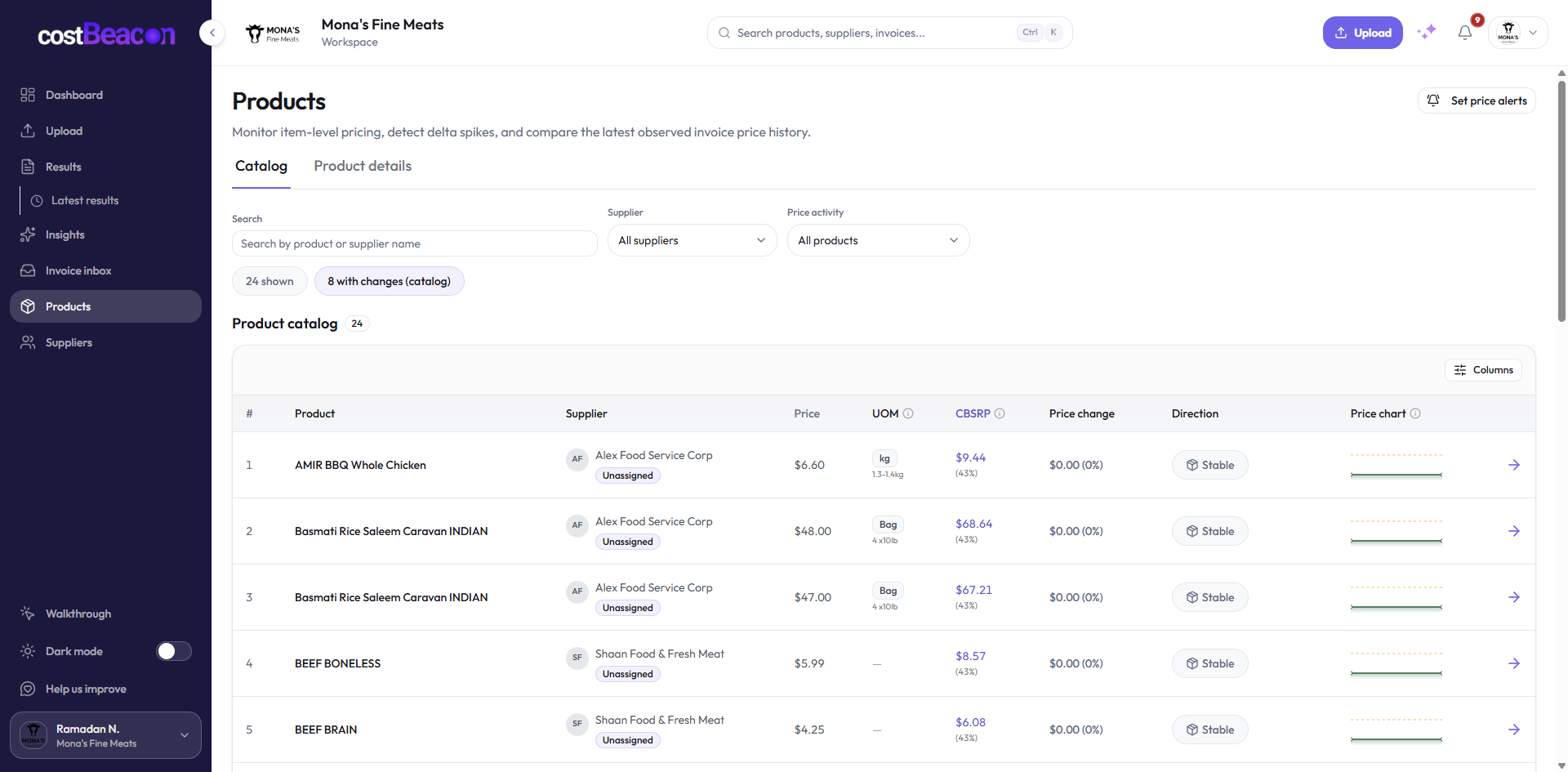
Baseline unit cost
New unit cost
Visible before the invoice total hides the change.
Use supplier summaries to guide the week
A weekly invoice review should end with a short supplier and product summary. Which suppliers changed prices? Which products moved? Which invoices need attention? Which records are clean?
No price pressure this cycle.
Line items moved and need context.
Weekly review ends with the smallest useful action list.
The takeaway
Invoice management is strongest when it moves beyond storage. By extracting line items and maintaining product cost history, small businesses can reduce surprises, focus review time, and catch supplier price changes before they drain margin.
Final takeaway: invoice-first cost visibility gives teams better timing. When supplier cost changes become visible at the line-item level, operators can act before those changes become permanent margin loss.
FAQ
Common questions
How does CostBeacon help with supplier costs?
CostBeacon extracts line-item costs from supplier invoices and tracks product history so you can see price changes before margin is squeezed.
Do I need QuickBooks?
No. CostBeacon works from uploaded invoices; QuickBooks Online sync is optional.